Messenger
Manage permissions for chats, files and external communication.
ROLE MODEL
Configure clear rules for users, data and services to keep every work scenario secure and manageable.
USAGE
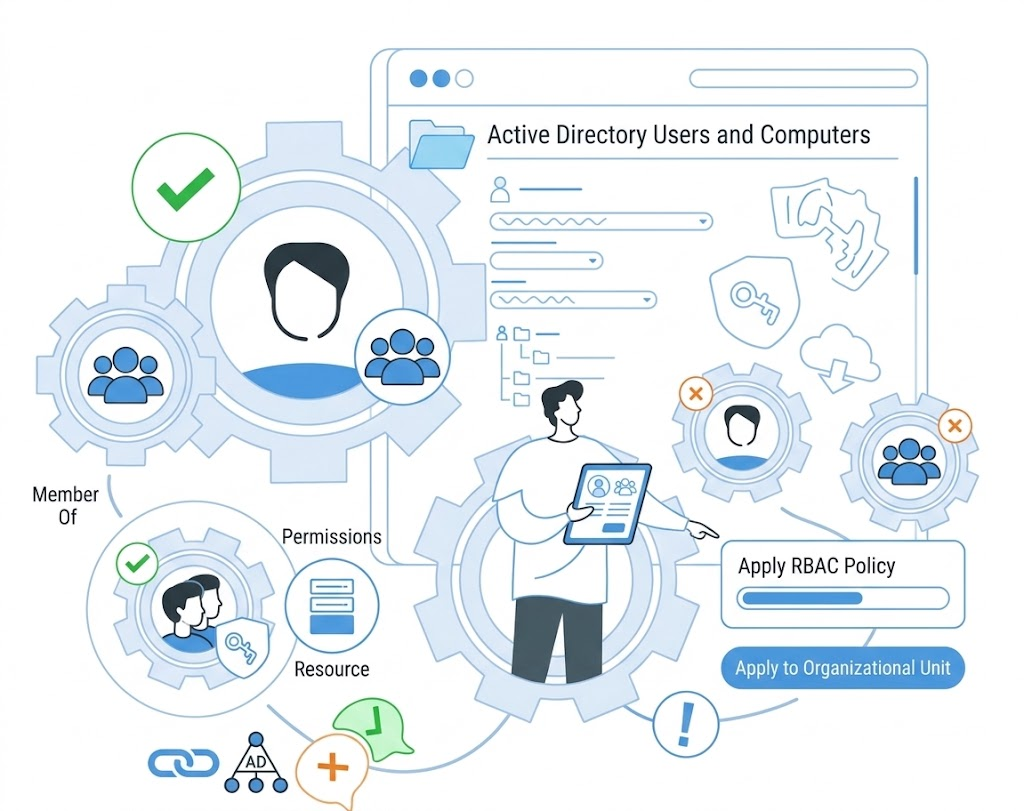
Manage permissions for chats, files and external communication.
Set access rules for corporate services and workflows.
Apply policies to user groups, departments and servers.
ACCESS POLICIES
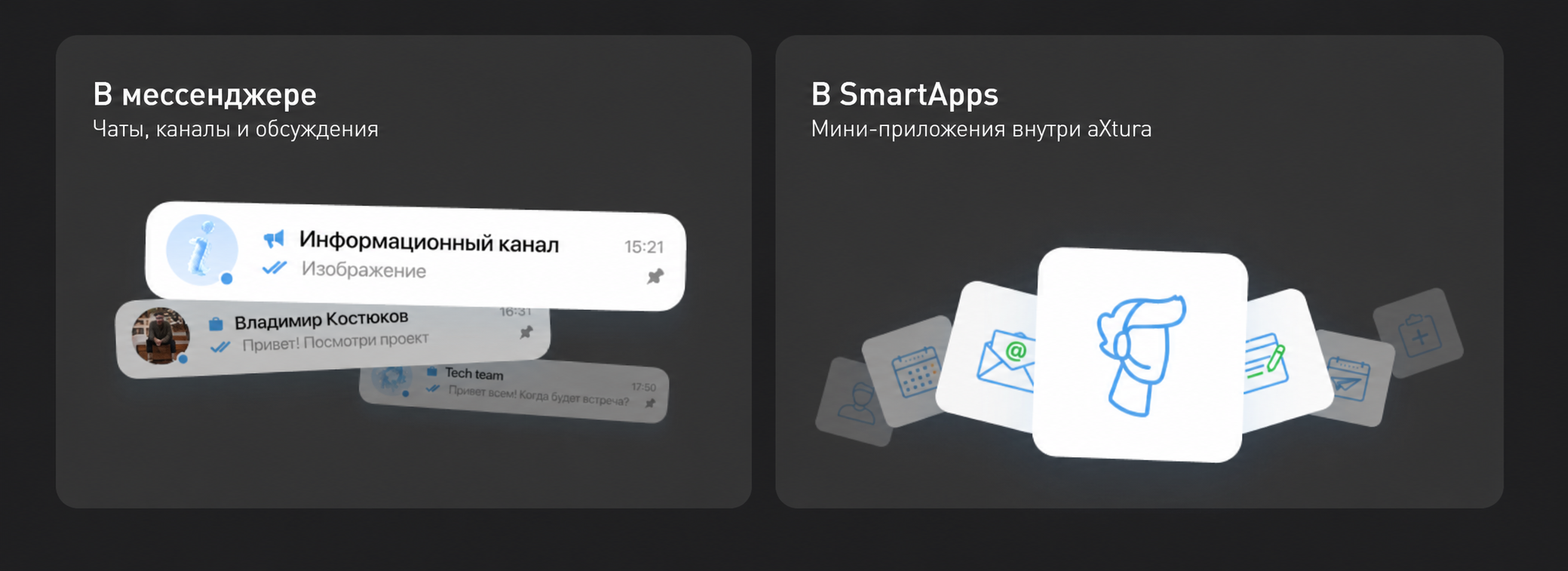
Create policies that match the level of information processing and your corporate requirements.
ADMINISTRATION
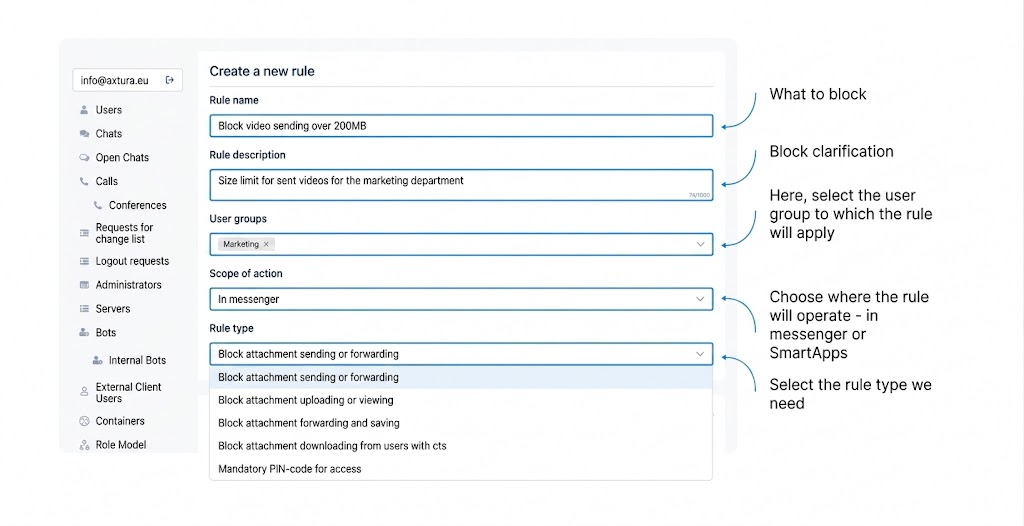
Create rules, choose the scope of action and apply them to the right user groups in one interface.
RISK MANAGEMENT
Limit data transfer outside approved work scenarios.
Manage permissions centrally instead of using manual exceptions.
Apply consistent policies for corporate security requirements.
NEXT STEPS
Request a demonstration and choose the role model for your organization.
Request a demo